
Click to download now, finish the installation quickly, and directly unlock the "all-round experience"
Screenshots
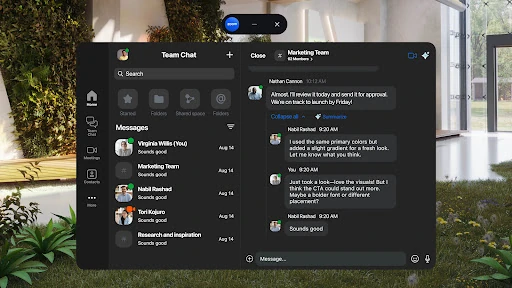
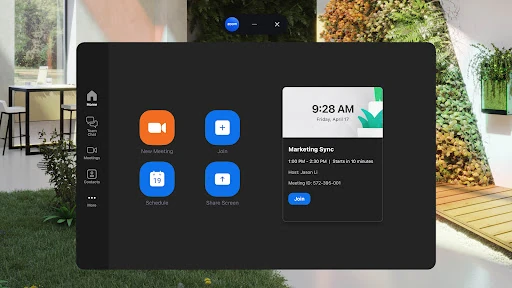
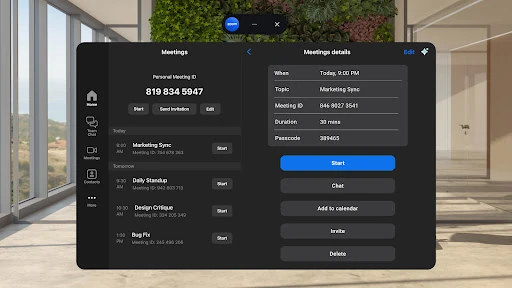
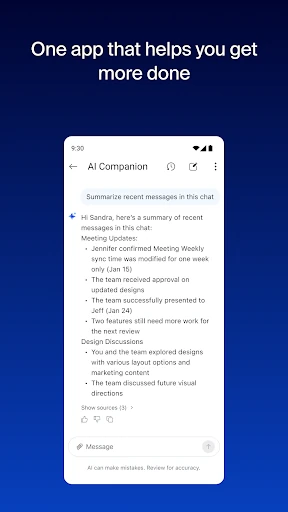


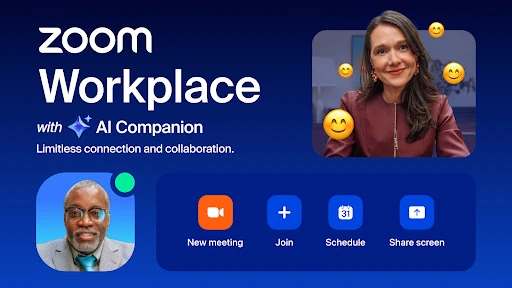
Click to download now, finish the installation quickly, and directly unlock the "all-round experience"
Zoom Workplace represents a formidable and cohesive attempt to consolidate modern digital teamwork into a single, AI-native platform. It moves beyond its origins as a video conferencing leader, evolving into a comprehensive suite that integrates chat, meetings, whiteboard, mail, and docs. This positions it as a direct competitor to established all-in-one platforms like Microsoft Teams and Google Workspace. For businesses seeking to streamline tool sprawl, Zoom Workplace offers a unified, efficient solution when paired with a paid license. The strategic focus on AI Companion as a core, included productivity enhancer is a significant differentiator.
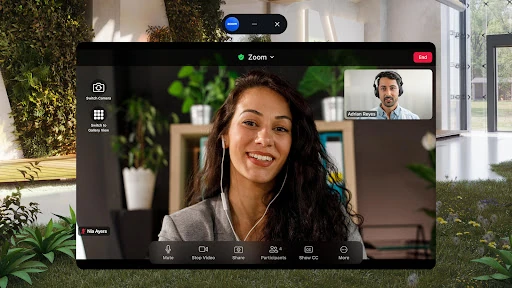
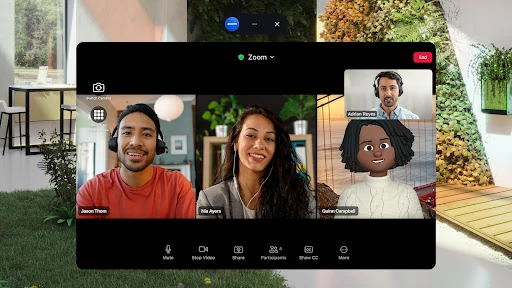
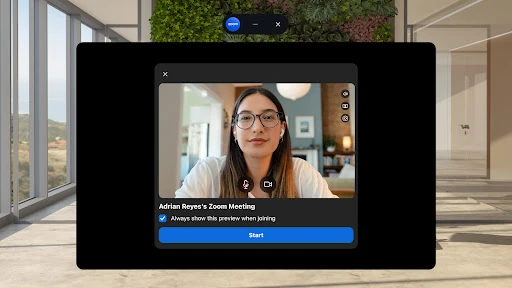
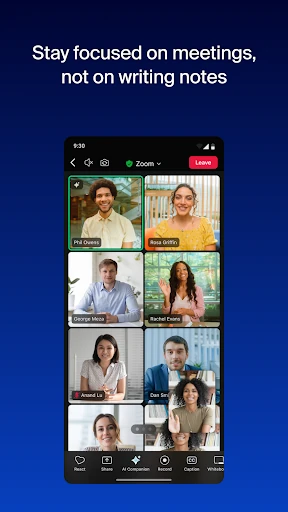
The app leverages Zoom's established, clean meeting interface as a foundation, successfully extending it to a multi-tab workspace. Core actions like joining or scheduling a meeting are prioritized for one-tap access, aligning with mobile UX best practices. Features like Picture-in-Picture and seamless device switching demonstrate a thoughtful design for multi-tasking and fluid work transitions. The integration of Voice Access commands is a notable pro-accessibility move. However, consolidating so many features (chat, mail, docs, whiteboard) into one mobile app presents a significant UI/UX challenge to avoid clutter and maintain intuitive navigation, which will be a key benchmark for its success in the Business category.
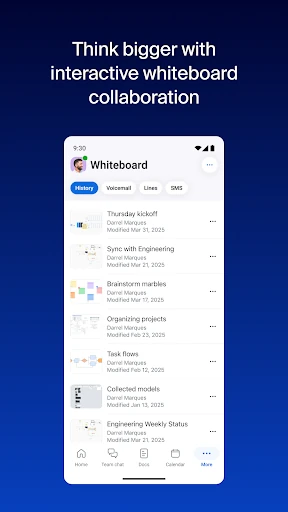
Future updates should focus on enhancing the mobile-centric workflow. Introducing more robust offline capabilities for viewing and editing Zoom Docs would cater to users with unreliable connectivity. Deeper, more intuitive integrations between the component apps (e.g., easily converting a whiteboard brainstorm into a structured Doc) would unlock greater synergy. Furthermore, performance optimization to ensure the all-in-one app remains swift and responsive on a wider range of Android devices is crucial. Finally, providing more granular customization for the mobile interface would allow power users to tailor the home screen to their specific daily workflows.
Zoom Workplace is a compelling, top-tier recommendation for remote and hybrid teams, project managers, and any professional already invested in the Zoom ecosystem who needs an all-in-one communication hub. It is particularly suited for organizations looking to empower their workforce with AI-driven productivity tools without managing separate vendor contracts. While the free version offers basic functionality, the app truly shines and justifies its "Workplace" branding with a Pro or Business subscription. For businesses seeking to reduce app fatigue and leverage AI, Zoom Workplace presents a sophisticated and powerful solution.